
DuckConvert · · Updated
Convert PDF to JPG or PNG: The Privacy-First Way
A PDF describes a page as instructions: draw this glyph from this font at this coordinate, stroke this curve, place this image in this rectangle. Nothing in it has a resolution. An image is the opposite — a fixed grid of pixels with no idea what any of them mean.
Converting between them is called rasterising, and it only runs in one direction. The PDF to Image tool does it in your browser with pdf.js, with no upload. Two decisions matter, and both are easier to get right if you know what the converter is doing.
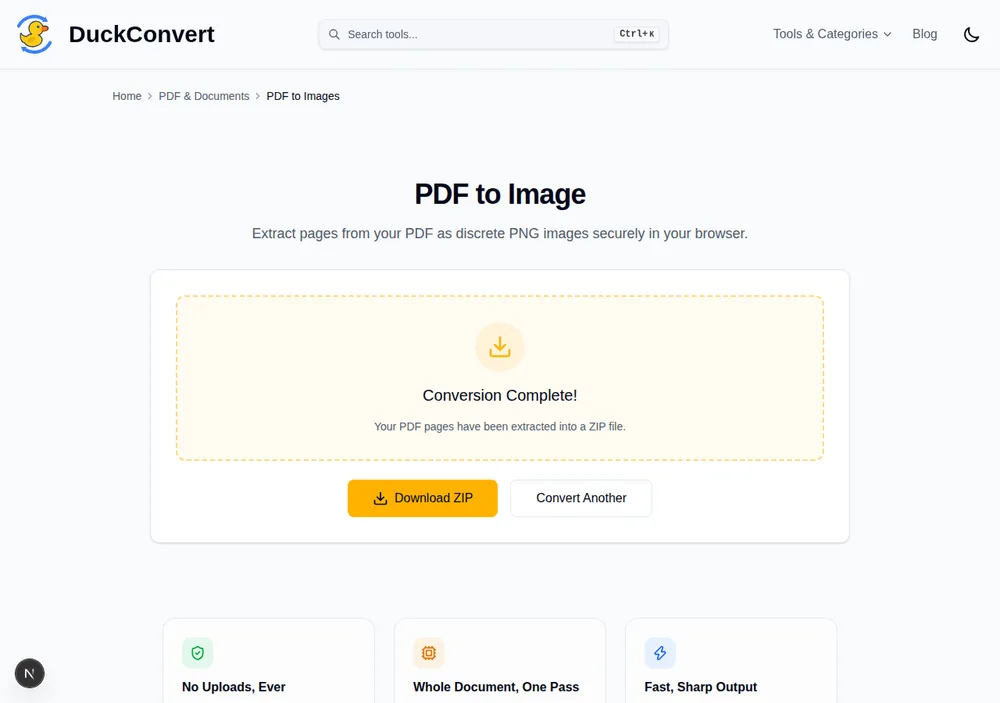
A real run: a four-page test PDF rasterised to a ZIP of PNGs, entirely in the browser.
The resolution is 144 DPI
PDF measures its page in points: 72 to the inch. Rendering happens at a scale factor of 2, so every point becomes two pixels — 144 pixels per inch.
In practice that means a US Letter page, 612 by 792 points, comes out as an image 1224 by 1584 pixels. An A4 page comes out at roughly 1191 by 1684.
That is a deliberate middle. It is comfortably sharp on any screen, including a high-density display at full width, and it is below the 300 DPI that commercial printing expects. If the image is going into a document, an email, a slide, or a web page, 144 DPI is more than you need. If you are sending it to a print shop for reproduction, this is the wrong tool — keep the PDF, which has no resolution to be wrong.
It also sets the memory cost. Each page becomes a canvas of about two million pixels held uncompressed at four bytes each, so roughly 7 MB per page before compression, plus the finished images accumulating for the ZIP. A fifty-page document is a real amount of memory for a phone.
Choose PNG for text, JPG for photographs
This is the decision people get backwards, because JPG has a reputation for being the small one.
JPEG throws away detail in a way tuned for photographs. It divides the image into blocks, discards high-frequency information, and stores colour at half resolution. Photographs survive that because they contain very little that is sharp. Black text on white is nothing but sharp edges, so it lands in JPEG's worst case: at quality 0.9 you get faint ringing around the letterforms and a grey haze in the white margin around dense paragraphs. Zoom to 200% and it is obvious.
PNG is lossless, so glyph edges stay exactly where the renderer drew them. And for a text page it is usually the smaller file as well, because PNG compresses runs of identical pixels and a document page is mostly one flat colour.
The rule that follows: scanned photographs and image-heavy brochures, choose JPG. Anything that is mostly text, choose PNG — it will look better and often weigh less.
What you are giving up
Rasterising destroys the text layer, and this is permanent in the output file.
- The text stops being text. It cannot be selected, copied, or searched. Ctrl+F finds nothing.
- Screen readers get nothing. A page of text becomes an image with no accessible content at all. If the document is going anywhere public, this matters more than the file size.
- Nothing reflows or scales. Vector artwork that was crisp at any zoom is now fixed at 144 DPI and blurs when enlarged.
- Links, form fields and annotations disappear. They were interactive objects, not marks on the page.
If what you need is a smaller or more portable PDF rather than pictures, compressing the PDF keeps all of that. Rasterise when the destination genuinely cannot accept a PDF — a portal that rejects the format, a social post, an image field in a form — not as a way of shrinking a document.
Where it stops
Every page is converted; there is no range selector, and the results come back as a single ZIP. An encrypted PDF has to be unlocked first, since pdf.js cannot parse a document it cannot decrypt. And because the work happens in your tab rather than on a server, a very large document is limited by your device's memory rather than by an upload cap — which is a real limit, just one you control.