
DuckConvert · · Updated
How to Safely Extract Audio from Video (MP4 to MP3) Without Uploading to the Cloud
"Extracting" the audio from a video sounds like lifting something out intact. Occasionally it is. Usually it is not, and knowing which case you are in decides whether you should reach for MP3 at all.
The MP4 to MP3 converter runs ffmpeg in your browser with no upload. Here is what it does to the sound.
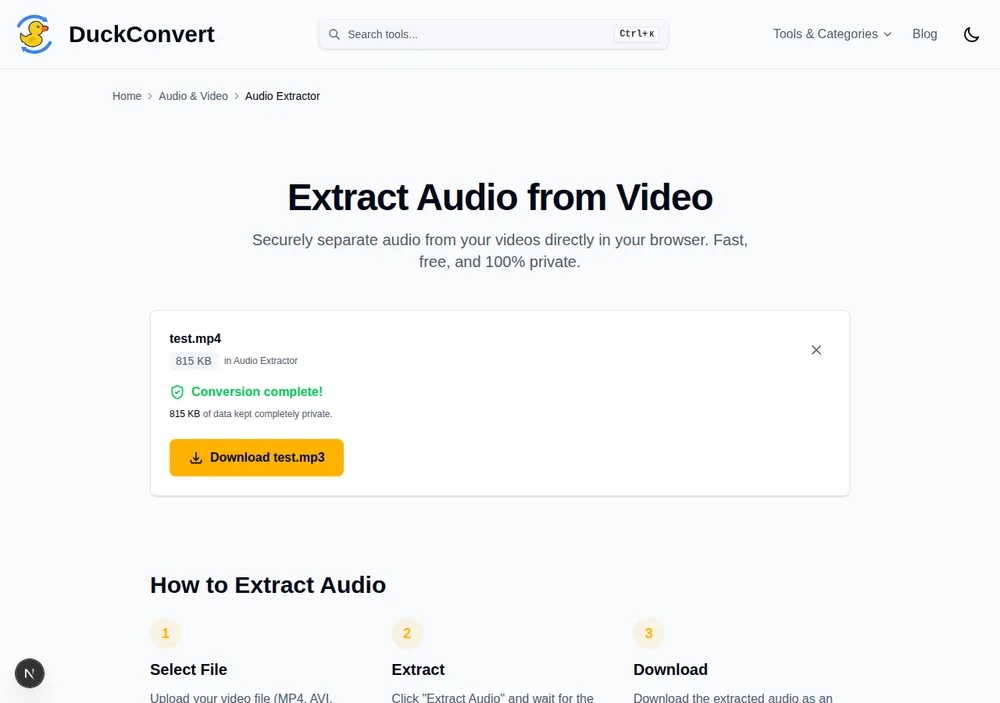
A real MP4 going through DuckConvert's ffmpeg-powered audio extractor.
The audio in your MP4 is already compressed
Almost every MP4 carries AAC audio. AAC is lossy: when the file was made, an encoder analysed the sound, decided which parts human hearing would not miss, and discarded them permanently. What remains is a good approximation, not the original recording.
MP3 is a different lossy codec, with its own model of what is safe to throw away. Converting AAC to MP3 therefore means decoding the AAC back to raw samples — complete with everything the first encoder already removed — and then compressing those samples again under a different set of assumptions.
This is generation loss, the audio equivalent of photocopying a photocopy. The second encoder cannot restore what the first one deleted, and it will delete more of its own.
How bad is it, really
Not very, at the settings used here. The MP3 is written with LAME at -q:a 2, a variable-bitrate setting that averages roughly 190 kbps and is widely considered transparent for casual listening. On a lecture recording, a podcast, or a voice note, you will not hear the difference.
You may hear it on dense music with a lot of high-frequency content — cymbals and strings are where two disagreeing psychoacoustic models show their seams — and you will certainly compound it if you convert the result again later. Convert from the original video each time rather than from a previous export.
Choosing WAV will not fix it
This is the most common misunderstanding about the format list, and it costs people a lot of disk space.
WAV and FLAC are lossless, which means they reproduce exactly what they are given. What they are given here is the decoded output of the AAC stream — audio that already lost information before it ever reached this tool. A lossless container preserves that loss perfectly, in a file several times larger.
- WAV (uncompressed PCM) will be around ten times the size of the MP3 and sound no better than the AAC did.
- FLAC compresses losslessly, so perhaps half of WAV, and still sounds exactly like the AAC did.
They are the right choice when you are heading into an editor and want to avoid further generational loss during editing. They are the wrong choice if you were hoping to recover quality, because there is none to recover.
The one thing that would avoid the loss, and why it is not here
If the goal is simply to have the soundtrack as its own file, the ideal operation is a stream copy: lift the AAC data out of the MP4 byte for byte and put it in an .m4a wrapper. No decoding, no re-encoding, no loss, and it finishes almost instantly.
This tool does not do that. The M4A option re-encodes to AAC at 192 kbps rather than copying the original stream, so it is also a second generation — just of the same codec instead of a different one. If you need a true stream copy, you need a tool with an explicit copy mode.
A detail that matters more than it sounds
Every audio output is produced with video explicitly disabled. That is not tidiness: many music files and exported videos carry a cover image, and ffmpeg reports a still image as a video stream. Hand that to an audio container that will not accept one and the whole encode fails rather than producing a slightly odd file. Dropping it up front is why an MP4 with embedded artwork converts without complaint.
Where it stops
The first conversion has to download the WebAssembly build of ffmpeg before it can start: about 10 MB gzipped over the wire, which unpacks to roughly 32 MB in memory. Afterwards it is cached and subsequent runs begin immediately. Decoding runs on a single CPU core, so a long recording takes proportionally long. And because the file stays in your tab's memory instead of going to a server, the limit is your device's RAM rather than an upload cap — no size paywall, but a real ceiling on a phone.