
DuckConvert · · Updated
How to Split PDF Files Free and Offline
Splitting a PDF sounds like cutting a stack of paper: you decide where the break goes and you end up with two piles containing exactly what the one pile contained. A PDF does not work that way, and the difference shows up the moment you look at the file sizes.
The Split PDF tool runs entirely in your browser using pdf-lib. Nothing is uploaded. What follows is what it is actually doing, and where that leaves you with something you did not expect.
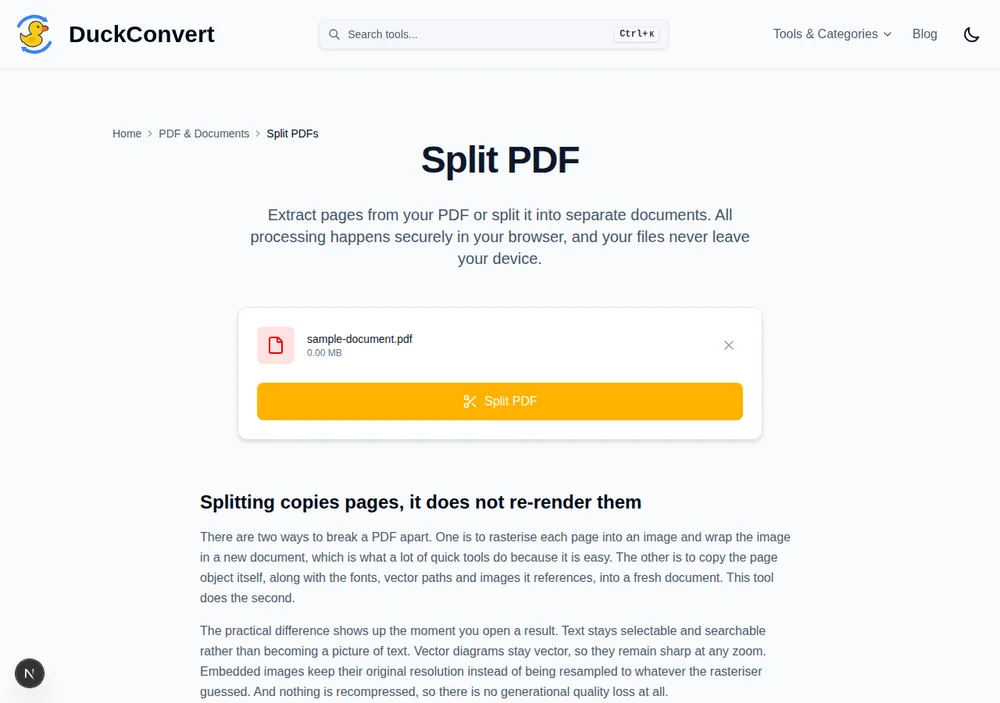
A real file loaded into the tool above — nothing sent anywhere before you click Split.
A PDF is an object graph, not a sequence of pages
Inside the file, a page is a small dictionary that mostly consists of references. It points at a content stream describing what to draw, and at a resources dictionary listing the fonts, images, and colour profiles that stream mentions. Those resources live elsewhere in the file, and — this is the important part — many pages point at the same ones.
A twenty-page report with your company's logo in the header stores that logo once. Twenty page objects reference it. The same is true of every embedded font: the subset is written once, and every page that uses that typeface points back to it.
Splitting means building twenty new documents. Each one needs a complete, self-contained copy of everything its page refers to, because there is no longer a shared file to point into. The logo is written twenty times. The font subset is written twenty times.
What that costs, measured
Here is a twenty-page PDF with a single image shared across every page:
- Source document: 22 KB
- One split page: 19 KB
- All twenty split pages together: 381 KB
The output is more than seventeen times the size of the input, and no information was added. That is the shared image being duplicated nineteen extra times. A document whose pages are mostly text, sharing only a font, inflates far less — around three times in the same test — but it still grows rather than dividing.
If you are splitting a scanned document, expect the ZIP to dwarf the original. The compression in the ZIP recovers some of it, since the duplicated streams are identical, but the individual PDFs inside it stay large once extracted.
Every page becomes its own file
There is no range box, and the tool does not ask you where to cut. It splits at every boundary: a 120-page document produces 120 PDFs, delivered as one ZIP, named after the source with a zero-padded page number so that page 100 does not sort immediately after page 10.
To get a specific range, split and then merge the pages you want back together. Two steps rather than one, using the same page-copying operation twice instead of adding a second code path that could disagree with the first.
Two things a page copy leaves behind
Document-level features do not survive, because they do not belong to any page. Bookmarks and the outline tree, interactive form fields and their values, embedded attachments, and the document-wide structures that make a PDF navigable are all properties of the document object. Copy a page out and they stay behind. The page looks identical; the scaffolding around it is gone.
Nothing is re-rendered, so quality is untouched. The content stream is copied as-is rather than being rasterised and redrawn. Text stays selectable and searchable, vector graphics stay sharp at any zoom, and images keep their original resolution. Splitting a document repeatedly will never degrade it — the loss is structural, not visual.
Where it stops
An encrypted PDF has to be unlocked before it can be parsed at all; a password prompt is not something a splitter can work around. And "no server limit" is not the same as "no limit": the whole document plus every page you generate from it is held in your browser's memory at once, so a very large scanned file can exhaust a tab's memory on a phone while succeeding comfortably on a desktop. Nothing is uploaded either way — which also means nothing can be recovered if the tab is closed mid-run.